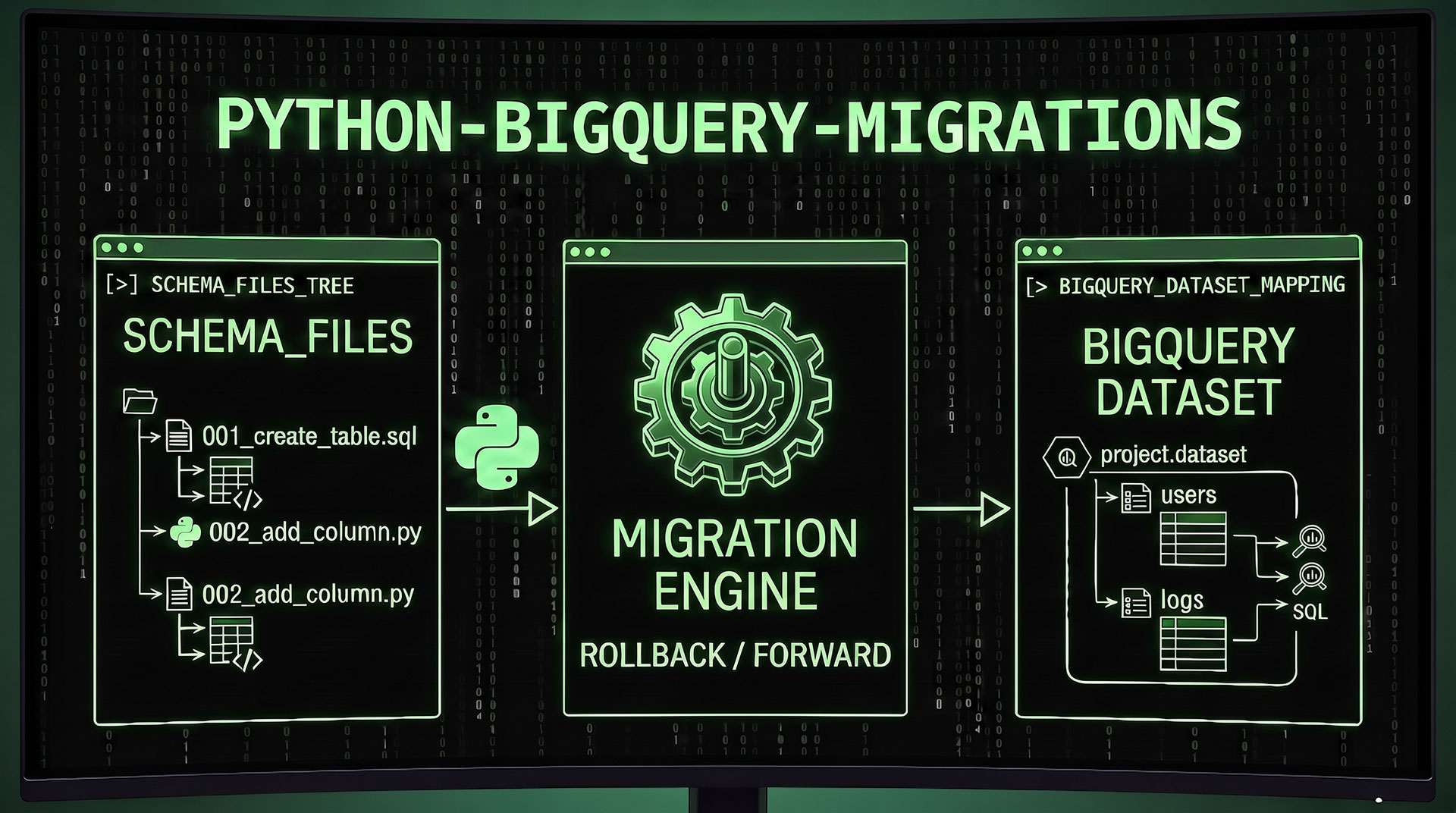
Recently I’ve created a BigQuery related Python package: python-bigquery-migrations. It’s a lightweight CLI tool that brings database-style migrations to Google BigQuery — so you can create, version and manage your datasets and table schemas the same way you manage your application code.
What problem does it solve?
If you’ve ever worked on a project where BigQuery schemas were created by hand, copy-pasted between environments, or documented only in someone’s head — you know how quickly things go wrong. There’s no consistent way to track what changed, when, and why.
Migrations are like version control for your database. They let you define your datasets and table schemas as code, keep them in source control, and apply them in a repeatable, predictable way across environments.
This is the same principle that tools like Laravel migrations or Flyway apply to traditional relational databases — but purpose-built for BigQuery.
How it works?
1. Install the package from PyPI
pip install bigquery-migrations
2. Create your first migration file
A migration file goes in the migrations/ subdirectory. The naming convention combines a timestamp with a descriptive name:
migrations/2024_12_01_120000_create_users_table.py
Each migration file contains a class with two methods — up() to apply the change and down() to reverse it:
from google.cloud import bigquery
from bigquery_migrations import Migration

class CreateUsersTable(Migration):

    def up(self):
        table_id = "your_project.your_dataset.users"
        schema = [
            bigquery.SchemaField("id",         "INTEGER",   mode="REQUIRED"),
            bigquery.SchemaField("email",      "STRING",    mode="REQUIRED"),
            bigquery.SchemaField("created_at", "TIMESTAMP", mode="NULLABLE"),
        ]
        table = bigquery.Table(table_id, schema=schema)
        self.client.create_table(table)

    def down(self):
        table_id = "your_project.your_dataset.users"
        self.client.delete_table(table_id, not_found_ok=True)
Having the schema definition inside the migration file is the real value. Your table structure lives in code, in version control, alongside your application — not scattered across ad hoc scripts or someone’s memory.
3. Run your migrations
Use this single command:
bigquery-migrations run
That’s it. The CLI picks up your migration files, checks which ones have already been applied, and runs the pending ones in order. No manual SQL execution, no copy-pasting schema definitions between environments.
For the full list of available commands and configuration options visit the official package page on PyPI.
Summary
I built this because I kept running into the same problem on data engineering projects: a random team gets assembled, stakeholders change, and ad hoc modifications pile up on the BigQuery database — with no standard process, no documentation and no clear history of what changed or why. The existing solutions were either too heavy or not designed with BigQuery in mind, so I decided to build something purpose-fit.
If you work with BigQuery and want a clean, repeatable way to manage your schemas —
python-bigquery-migrationsis exactly for that.
The package is free, open-source and available on PyPI.