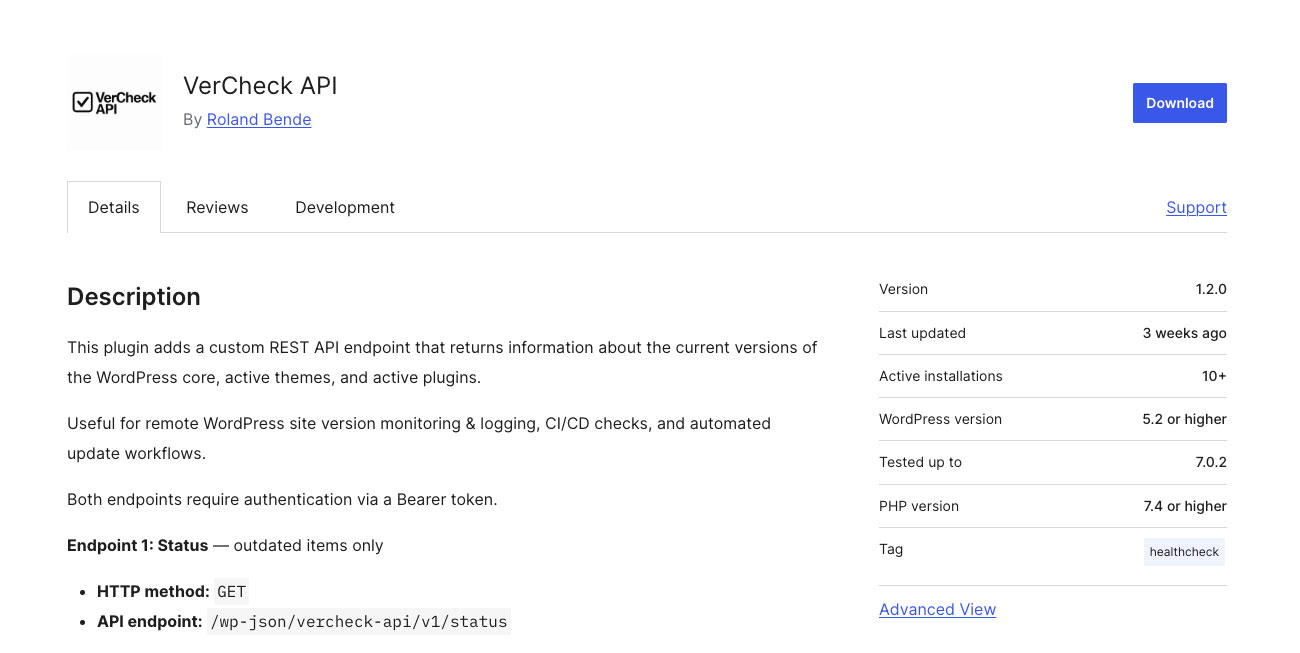
I’ve just published my new official WordPress plugin: VerCheck API. It’s a small, practical REST API plugin that exposes your WordPress installation’s version data over HTTP — so you can query it from anywhere without logging into the admin dashboard.
What problem does it solve?
If you manage more than one WordPress site, keeping track of outdated core versions, plugins and themes gets tedious quickly. Without having WP-CLI you have only a few options. The WordPress dashboard only helps if you’re already inside it. So if you’re running on shared hosting, tools like WP-CLI are often unavailable and that’s a problem.
VerCheck API solves this by giving you a simple, authenticated HTTP endpoint you can poll remotely — from a monitoring script, a CI/CD pipeline, or even a quick
curlcommand.
I personally find it most useful in two situations:
- On shared hosting environments where
WP-CLIisn’t an option and you still need automated version checks. - Before taking on a support contract for a client site. A quick call to the audit endpoint gives me a complete inventory: WordPress core version, all installed themes and plugins, their versions and which ones are outdated. No wp-admin access needed beyond the API token.
How it works?
The plugin exposes three endpoints, all protected by a Bearer token:
/wp-json/vercheck-api/v1/status— returns only the items that have available updates. Ideal for lightweight monitoring alerts./wp-json/vercheck-api/v1/audit— returns a full inventory of everything installed: core, all themes and plugins with their current versions, available updates and active status./wp-json/vercheck-api/v1/environment— returns server runtime versions: PHP, MySQL, WordPress and the plugin itself.
All responses include a unique X-Request-ID header for traceability.
You could find the full endpoint documentation and response examples on the official plugin page.
Summary
For me VerCheck API fills a small but real gap. WordPress doesn’t have a native way to expose version data over an authenticated HTTP API, and most existing solutions are either overkill or require server-level access.
If you or your clients run WordPress on shared hosting, or if you simply want a clean way to audit a site before you start supporting it — VerCheck API is exactly for that.
The plugin is free, open-source and available directly from the WordPress Plugin Directory. I’d love to hear how you use it!